TikTok Slideshow Downloader
Download TikTok photo slideshows and images without watermark.
TikTok Slideshow Downloader - Tikfetch
TikTok includes more than short videos. The platform also supports photo slideshows. If you need to save a public TikTok slideshow, follow the steps below.
Download a processed slideshow video with synchronized audio when available.
How to download a TikTok slideshow

Copy the slideshow link
Find the TikTok slideshow, open Share and choose Copy link. You can do this in the TikTok app or a web browser.

Go to Tikfetch.app
Open Tikfetch in your browser and paste the copied URL into the box at the top of the page.
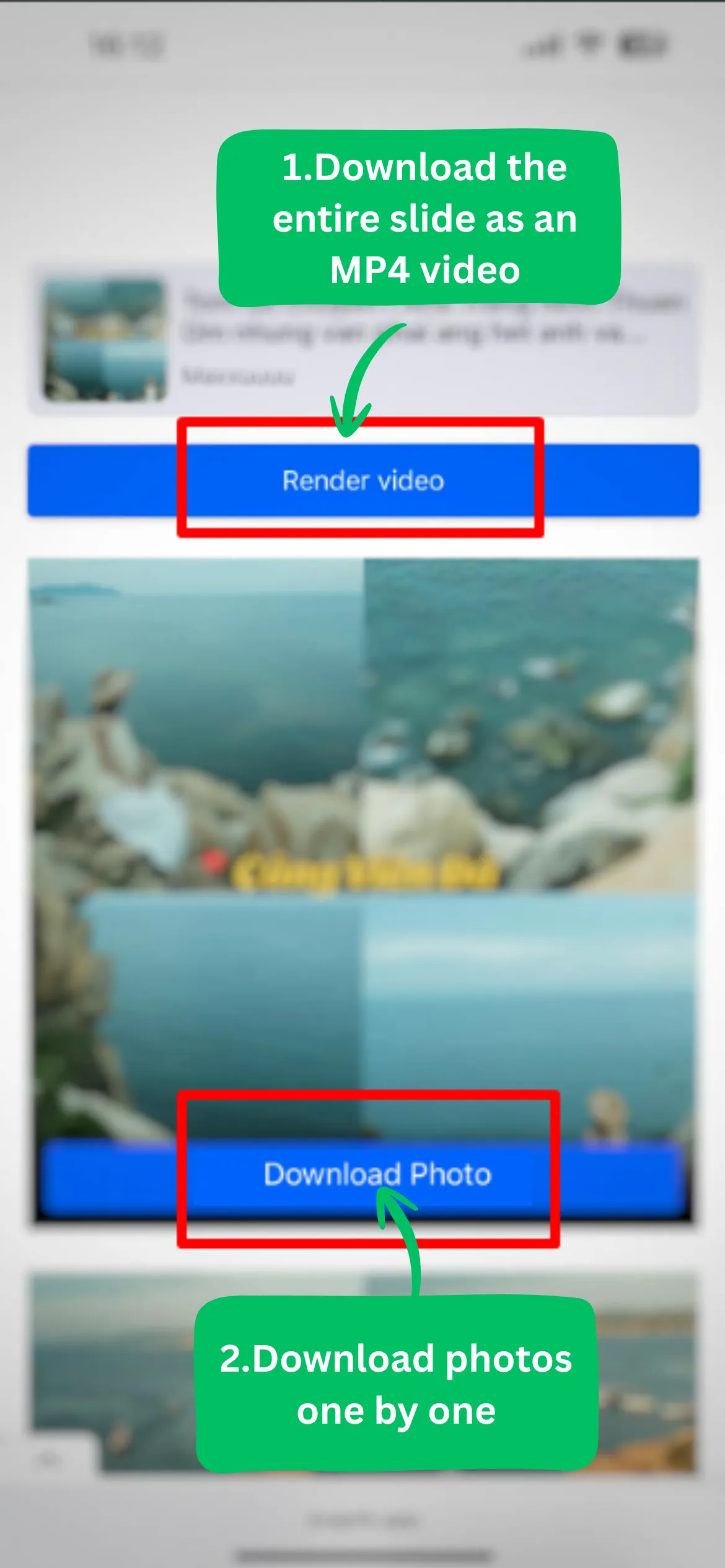
Download with synchronized audio
Press Download so Tikfetch can process the link. When available, you can save individual slideshow images or the complete slideshow video with synchronized music.
Main features
No watermark
Watermarks are removed from supported slideshow results so the downloaded image or video is ready to use.
All devices
Compatible with iOS and Android. Use a phone, computer or tablet to save TikTok slideshows.
HD images
Download individual images from a TikTok slideshow in HD quality when available.
Free and unlimited
Free downloads with no charge for using the TikTok saving tools.
Video with MP3
Download a processed slideshow video with synchronized audio when available.
Individual images
Download individual slideshow images or the whole video with synchronized music.
Frequently Asked Questions
How do I download a TikTok photo slideshow?
Do I need to pay to download TikTok slideshows?
Will watermarks be removed from individual TikTok slideshow images?
Is the TikTok slideshow downloader available on iOS and Android?
Note: Tikfetch is not a TikTok product and is not affiliated with TikTok or ByteDance Ltd. We support users who save permitted public media and update the service regularly for reliability.